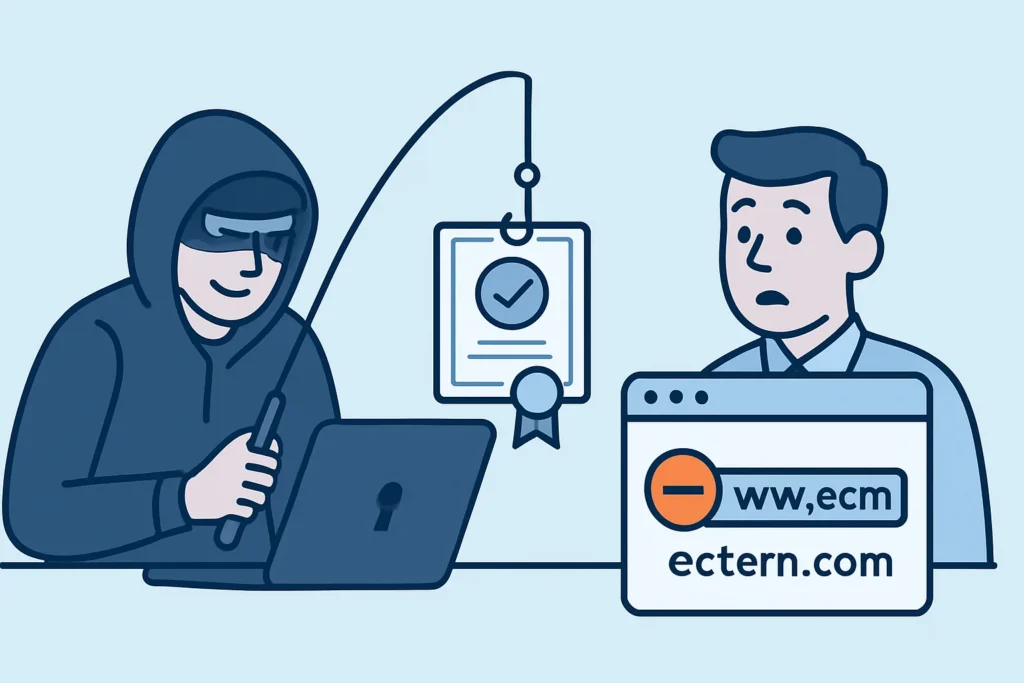
A phishing page with a valid padlock no longer surprises security teams, and lookalike domain certificates are the reason most of these pages look trustworthy to customers. This article is for sysadmins, security engineers and brand protection teams. It explains how attackers get TLS certificates for domains that imitate yours, why browsers can’t stop it, and how to spot these certificates early enough to act, often before the first phishing email goes out.
Why Attackers Bother With Valid Certificates
Ten years ago, plain HTTP was an easy way to spot a phishing page. That signal is gone. Since Let’s Encrypt launched in 2015, anyone who controls a domain can get a free Domain Validated (DV) certificate in under a minute, with no human review.
A DV certificate proves one thing: the requester controlled the domain at the moment of issuance. It says nothing about who they are or what they plan to do. Attackers know that users trained to “look for the padlock” will trust anything that shows one. Since Chrome 117 in 2023, the padlock has been replaced by a neutral “tune” icon, partly because so many people read it as a sign the site was safe.
The Main Lookalike Techniques
Most lookalike domains fall into a few patterns. Typosquatting swaps or drops characters, so a brand like “northbank” becomes “nortbank” or “northbnak”. Combosquatting adds trusted-sounding words: northbank-login.com, northbank-support.net, secure-northbank.co.
Homoglyph attacks go further. Internationalized Domain Names (IDNs) let attackers swap Latin letters for Cyrillic or Greek ones that look identical. In 2017, a researcher showed that xn--80ak6aa92e.com rendered as “apple.com” in several browsers at the time. Browsers have since tightened their IDN display rules, but mixed-script lookalikes still turn up in phishing campaigns, especially in email clients and messaging apps that render punycode less carefully.
The fourth pattern abuses subdomains: northbank.com.account-verify.xyz. The attacker owns account-verify.xyz and can issue any certificate they want under it. On mobile, the address bar truncates the URL, so the victim only ever sees the first part.
How a Typical Campaign Unfolds
Here is a pattern any on-call engineer at a consumer-facing company will recognize. At 02:14, a certificate for northbank-verify.com shows up in Certificate Transparency logs. The domain was registered 20 minutes earlier through a cheap registrar, with privacy protection turned on. By 03:00 a cloned login page is live behind Cloudflare. By 08:30, customers start getting SMS messages about a “suspended account”.
The certificate was the earliest public signal in that whole chain. Teams that watch CT logs had about six hours of warning. Teams that rely on customer complaints find out mid-morning, after credentials have already been harvested.
Detecting Lookalike Domain Certificates Through CT Logs
Every publicly trusted certificate has to be logged in Certificate Transparency logs, or Chrome and Safari will reject it. So attackers can’t get a browser-trusted certificate without leaving a public record. For a deeper look at how the logs work, see how Certificate Transparency monitoring works.
An experienced security engineer usually builds detection in this order:
1. Generate permutations. Run dnstwist or URLCrazy against your main domains to list typo, homoglyph and bitsquatting variants.
2. Define keyword rules. Combosquatting won’t show up in permutation lists, so match on your brand string plus words like login, verify, secure, support and billing.
3. Stream CT data. Use a CertStream feed or poll crt.sh for new entries that match your rules. Expect 50-300 matches per day for a common brand name.
4. Triage automatically. Filter out your own known issuers and registrant accounts, then flag certificates for domains registered within the last 7 days.
5. Escalate fast. Send high-confidence matches to whoever can file takedowns, not to a shared inbox that gets checked weekly.
One edge case matters a lot. If an attacker issues a wildcard certificate for *.account-verify.xyz, the CT entry shows only the base domain. Your brand name never appears in the log. Keyword matching misses it entirely, so passive DNS and URL feeds from email gateways have to fill that gap.
Common Mistakes Defenders Make
The first mistake is acting only after an incident. Many teams set up CT monitoring the week after a successful phishing campaign, when the lookalike domains from that campaign have already been abandoned. Detection only pays off when it runs before the next one.
The second mistake is trusting revocation as a response. Asking the CA to revoke a phishing certificate feels decisive, but under the CA/Browser Forum Baseline Requirements a CA can take up to 5 days for many revocation reasons. Chrome doesn’t check OCSP for most certificates, and Let’s Encrypt shut down its OCSP service in 2025. A phishing kit usually lives 24-72 hours. Revocation is worth requesting, but the hosting provider, the registrar and Google Safe Browsing will act faster. The finer details are covered in detecting rogue and misissued certificates.
The third mistake is watching only exact-match domains. Alerting on certificates for “northbank.com” catches misissuance, but phishing almost never uses your exact domain. Without fuzzy and keyword rules, the alert feed stays quiet while campaigns run.
Myth: CAA Records and EV Certificates Protect Against Lookalikes
This misconception keeps coming up in security reviews. CAA DNS records only control which CAs may issue certificates for domains you own. They have no effect on northbank-verify.com, which belongs to the attacker.
EV certificates don’t help either. Chrome 77 removed the green company-name indicator in 2019, Firefox followed shortly after, and studies showed users rarely noticed it anyway. An EV certificate still has value for legal identity, as explained in the guide to DV, OV and EV validation levels, but it doesn’t make visitors suspicious of an attacker’s DV-secured clone.
The real defenses are early detection, fast takedowns, phishing-resistant authentication such as FIDO2 passkeys, and customer communication that never asks users to click links from SMS.
When Standard Advice Doesn’t Fit
Small teams of fewer than 10 people rarely have time to triage hundreds of CT matches a day. They are better off with tight keyword rules and an alert only for domains registered in the last 48 hours. Regulated sectors such as banking and healthcare often have to document their brand-monitoring process for auditors, so the detection pipeline needs logging and retention, not just Slack alerts. Brands sold in non-Latin-script markets need extra homoglyph coverage, because local registries may allow script combinations that .com doesn’t.
FAQ
Can I stop a CA from issuing a certificate for a lookalike domain?
No. CAs issue DV certificates to whoever proves control of a domain. Your options come after issuance: report the domain to the registrar, the host, the CA and Google Safe Browsing, and file a UDRP complaint for long-lived cases.
How quickly do lookalike certificates appear in CT logs?
Usually within seconds to a few minutes of issuance, because the CA has to submit the precertificate before the final certificate is delivered. In practice, CT gives the earliest public signal available.
Should I pre-register common typo domains myself?
It’s worth doing for the 10-20 most obvious variants of your main domain, at roughly $10-15 per domain per year. Trying to register every permutation doesn’t scale, so pair a small defensive portfolio with continuous monitoring.
Final Practical Tip
Attackers get lookalike domain certificates because they’re free, instant and make phishing pages look trustworthy. The same issuance process also leaves a public, timestamped record in Certificate Transparency logs. Start with dnstwist output and a handful of keyword rules this week, route matches to someone who can file takedowns within hours, and treat every new certificate for a recently registered lookalike domain as an early warning.