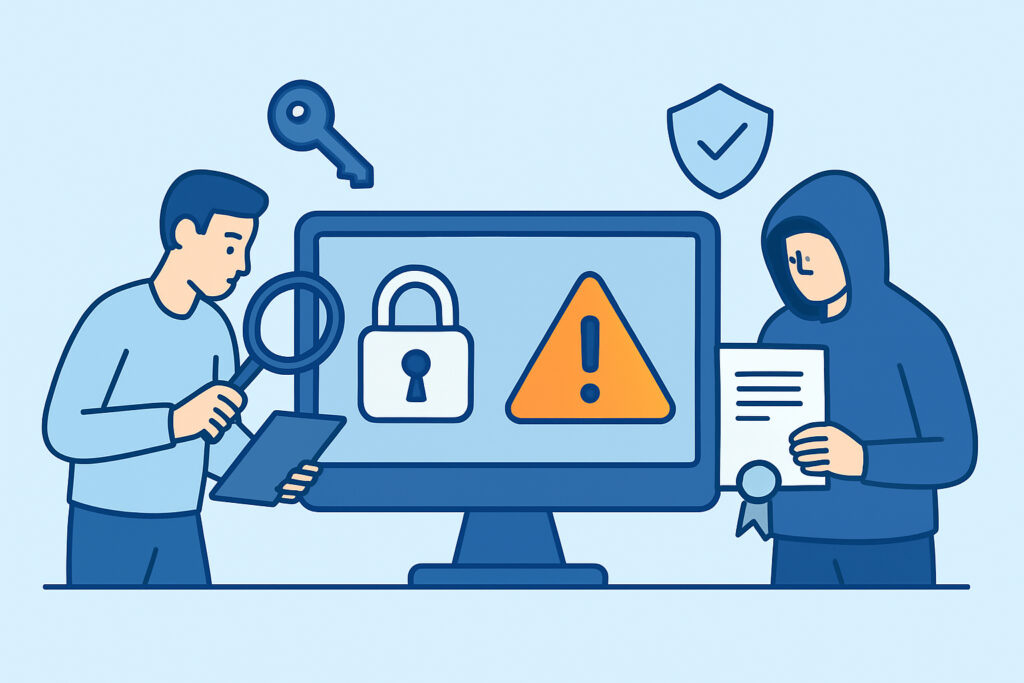
Picture a certificate showing up in the Certificate Transparency logs for your domain that nobody on your team requested – wrong CA, wrong validation method, issued at 3 a.m. on a Sunday. That’s the moment rogue CA activity stops being a theoretical risk and becomes an incident you have to triage in real time, and this guide covers how to detect it before an attacker gets to use it.
A rogue certificate authority attack happens when an entity issues a valid, trusted SSL/TLS certificate for a domain it has no legitimate right to control. Sometimes it’s a compromised CA (DigiNotar, 2011 – attackers issued over 500 fraudulent certificates including one for *.google.com, and the CA was dead within weeks). Sometimes it’s a CA that made a process error, like TURKTRUST in 2013 issuing intermediate certificates by mistake, or Symantec’s long-running validation failures that led Google and Mozilla to distrust its roots between 2017 and 2018. Either way, the result is the same: a browser somewhere will trust a certificate for your domain that you never asked for.
How rogue certificates actually get issued
Most rogue certificates aren’t the product of some elite CA hack. Domain validation (DV) issuance is largely automated, and it only checks one thing: does the requester control a file on your web server, a DNS TXT record, or an email address at your domain? Compromise any one of those and you can get a certificate for the domain within minutes.
The realistic attack paths in 2026 are:
BGP or DNS hijacking to intercept the domain validation challenge, a compromised registrar or DNS provider account that lets an attacker add a TXT record, a CA’s own infrastructure being breached or its issuance policy being bypassed, and an orphaned subdomain pointing at a decommissioned cloud resource that a third party re-claims and then validates a certificate against – a variant covered in more depth in the piece on subdomain takeover.
Free, fast issuance from Let’s Encrypt and ZeroSSL makes this worse, not because those CAs are less trustworthy, but because the barrier to getting a DV certificate is now roughly ninety seconds and zero dollars. An attacker doesn’t need a nation-state budget anymore.
Why Certificate Transparency is the primary detection mechanism
Since 2018, Chrome has required all publicly trusted certificates to be logged in Certificate Transparency (CT) logs before it will trust them. That requirement is the single biggest reason rogue CA detection is even feasible for an ordinary site owner today – every certificate, legitimate or not, ends up in a public, append-only log within minutes of issuance.
That means detection isn’t about guessing – it’s about watching the logs. crt.sh, Google’s CT log search, and Facebook’s certificate transparency monitoring tool all let you query by domain for free. The gap is that none of them alert you automatically in a way most teams actually check daily; they’re pull tools, not push tools. A more detailed walkthrough of log mechanics is in Understanding Certificate Transparency and How to Monitor It.
An experienced practitioner doesn’t just search CT logs once during an audit and move on. They set up continuous monitoring that diffs the log against a known-good issuer list and fires an alert the moment something new shows up – because a rogue certificate that sits unnoticed for even six hours is enough time for it to be used in a targeted man-in-the-middle attack against a VPN concentrator or an internal SSO endpoint.
Step-by-step: building a detection workflow
Start with a baseline. Pull every certificate ever issued for your domains and subdomains from crt.sh and record the issuing CA, the validation method (if determinable), and the issuance date. This becomes your allowlist.
Second, define your expected issuers. Most organizations use one or two CAs – say, DigiCert for EV certificates on the main site and Let’s Encrypt via ACME for internal services. Anything outside that list is a flag, not necessarily proof of compromise, but a flag.
Third, wire up continuous CT log monitoring rather than manual lookups. Manual crt.sh checks once a quarter will miss a certificate that’s issued and revoked within a 48-hour attack window. This is exactly the gap addressed in Why Monitoring SSL Certificate Issuer Changes Matters – issuer changes are frequently the first observable signal of either a rogue issuance or a legitimate but unannounced infrastructure change.
Fourth, correlate with DNS. If a new certificate shows up for a subdomain that has a stale CNAME pointing to a deprovisioned S3 bucket or Heroku app, that’s a subdomain takeover in progress, not routine renewal.
Fifth, have a revocation path ready before you need it. Know your CA’s emergency revocation contact and whether OCSP or CRL is your primary revocation-checking mechanism, since that determines how fast browsers actually stop trusting the bad certificate – see Certificate Revocation Lists vs OCSP for the tradeoffs.
Common mistakes teams make
The most frequent mistake is treating CT monitoring as a one-time compliance checkbox instead of an ongoing feed – teams run the crt.sh query during a security audit in March, find nothing, and don’t look again until the next audit. A rogue certificate issued in July sits unnoticed for months.
The second mistake is trusting the padlock icon as proof of legitimacy. A rogue DV certificate produces exactly the same green padlock as your real one – browsers have no way to distinguish “issued to the legitimate owner” from “issued to whoever passed domain validation.” The padlock confirms encryption in transit, not identity.
The third is alerting on certificate expiration but not on certificate issuance. Most monitoring setups are tuned to warn 30 days before a cert expires, which is necessary but solves a completely different problem than catching an unauthorized certificate the moment it appears.
Busting the “CAs will catch it” myth
A common misconception is that CAs themselves will flag suspicious issuance patterns and notify domain owners. In practice, CAs process the validation check that’s presented to them; if the challenge is satisfied, the certificate issues, full stop. CAs are not running behavioral analysis on who’s requesting what for your domain – that’s on you, or on whatever tool you’ve pointed at the CT logs.
Frequently asked questions
Can a rogue certificate be issued without ever touching my server?
Yes, if the attacker compromises DNS instead – adding a TXT record for domain validation doesn’t require server access at all, only control over your DNS zone.
How fast does Certificate Transparency actually catch a rogue certificate?
CT logging happens at issuance time, typically within minutes, but detection only happens once something is actually watching the logs. The log entry existing and someone noticing it are two different timelines.
Does HSTS protect against rogue CA certificates?
Not against the certificate itself – HSTS just forces HTTPS and prevents downgrade attacks. Certificate pinning would help but is largely deprecated in browsers since 2018 due to operational risk; CT monitoring has effectively replaced it as the practical defense.
Rogue CA activity is rare compared to expired-certificate incidents, but it’s the category that does the most damage when it happens, because it’s designed to be invisible to the end user. Wiring continuous CT log monitoring into whatever alerting pipeline you already use for certificate expiration closes that gap without adding a separate manual process nobody remembers to run.