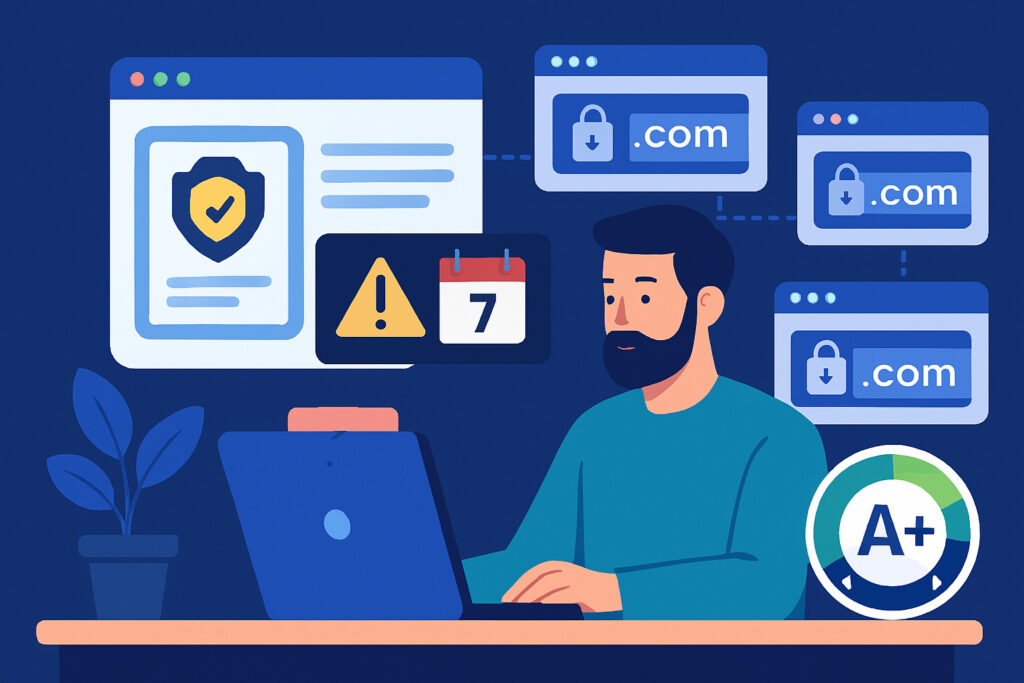
Managing SSL certificates across multiple domains used to be straightforward when most organizations had just one or two websites. Today, the average company operates dozens of domains, subdomains, and services—each requiring its own SSL certificate or coverage under a wildcard or multi-domain certificate. For IT teams, this complexity creates real challenges: certificates expire without warning, renewals slip through the cracks, and suddenly your e-commerce site shows that dreaded ”Not Secure” warning at the worst possible moment.
If you’re responsible for keeping multiple domains secure, you already know the stakes. A single expired certificate can tank customer trust, hurt your search rankings, and in some cases, violate compliance requirements. The good news is that with the right approach and tools, multi-domain SSL management doesn’t have to be overwhelming.
Why Multi-Domain SSL Management Matters More Than Ever
The shift to HTTPS-everywhere has made SSL certificates mandatory rather than optional. Google Chrome now flags non-HTTPS sites prominently, and users have learned to look for that padlock icon before entering sensitive information. When you’re managing multiple domains—whether for different brands, regional sites, development environments, or microservices—the margin for error shrinks dramatically.
I learned this the hard way a few years back when managing a client portfolio. One subdomain’s certificate expired on a Saturday morning, and because it handled API requests for the main application, the entire system went down. The certificate had been purchased separately from the main domain, tracked in a different spreadsheet, and nobody received the renewal reminder. That two-hour outage taught me more about SSL management than any tutorial could.
Common Challenges IT Teams Face
Certificate sprawl is the first major hurdle. When different team members purchase certificates from various providers, using different renewal cycles and payment methods, you lose centralized visibility. One domain might renew annually, another every two years, and a third might be on a 90-day Let’s Encrypt cycle.
Mixed certificate types add another layer of complexity. You might have single-domain certificates for some properties, wildcard certificates covering multiple subdomains, and multi-domain (SAN) certificates protecting several distinct domains. Each type has different renewal procedures and coverage limitations.
Lack of automation remains surprisingly common. Many IT teams still track certificates manually using spreadsheets or calendar reminders. This works until someone goes on vacation, changes roles, or the spreadsheet simply gets outdated. Manual tracking also can’t catch mid-cycle issues like compromised certificates or configuration problems.
Building a Sustainable Multi-Domain SSL Strategy
Start by creating a complete inventory of every domain, subdomain, and service requiring SSL coverage. This sounds basic, but you’d be surprised how many forgotten staging servers or old marketing microsites lurk in your infrastructure. Use scanning tools to discover certificates automatically rather than relying on memory or documentation.
Consolidate where possible by using wildcard certificates for subdomains under the same root domain, or multi-domain certificates when you need to cover several distinct domains. This reduces the total number of certificates to track and renew. However, be aware of the security trade-off—if one wildcard certificate’s private key is compromised, all subdomains are affected.
Standardize on certificate authorities when practical. While using multiple CAs provides redundancy, it also multiplies the number of renewal processes, login credentials, and payment methods you need to manage. Many teams find that standardizing on one or two providers simplifies operations significantly.
Automation Is Your Best Friend
Modern certificate management shouldn’t require manual intervention for routine renewals. Let’s Encrypt revolutionized this space by offering free certificates with built-in automation through tools like Certbot. For organizations requiring extended validation or specific features, commercial CAs increasingly offer APIs and automation tools.
The key is setting up automatic renewal processes that run well before certificates expire. A good rule of thumb is attempting renewal at 30 days before expiration for 90-day certificates, and 60 days for annual certificates. This provides ample buffer time if the first attempt fails.
Implement monitoring and alerting that goes beyond simple expiration dates. Your monitoring should check certificate validity daily, verify the complete certificate chain, confirm that the correct certificate is being served, and alert on upcoming expirations at multiple intervals—typically 30, 14, 7, and 1 day before expiration.
Breaking Common Myths About Multi-Domain SSL
Myth: Wildcard certificates are always the best solution for multiple subdomains. While wildcards simplify management, they only cover one level of subdomains. A wildcard for *.example.com covers shop.example.com but not admin.shop.example.com. They’re also not ideal when different teams manage different subdomains with distinct security requirements.
Myth: Free certificates are less secure than paid ones. Let’s Encrypt certificates provide the same encryption strength as commercial certificates. The main differences lie in validation level, warranty coverage, support options, and certificate lifespan—not the actual security of the encryption.
Myth: Once installed, certificates don’t need attention until renewal. Certificates can develop problems mid-lifecycle. Revocation due to CA compromises, changes in security standards, or misconfiguration issues can all occur between installation and expiration. Continuous monitoring catches these problems before they impact users.
Practical Steps to Implement Today
Start with a certificate discovery audit. Scan your entire infrastructure to identify every SSL certificate currently in use. Document the domain covered, issuing CA, expiration date, certificate type, and who’s responsible for renewal.
Set up centralized tracking using either a dedicated certificate management platform or, at minimum, a properly maintained shared system that multiple team members can access. Calendar reminders alone aren’t sufficient—you need a system that survives personnel changes.
Establish clear ownership and procedures. Every certificate should have a designated owner and a documented renewal process. This prevents the ”I thought someone else was handling it” scenario that leads to expired certificates.
Implement monitoring that covers all domains in your portfolio. Whether you build this yourself or use a specialized service like SSLVigil, automated monitoring ensures you catch problems before they become outages. Good monitoring checks not just expiration dates but also certificate chain validity, security configurations, and compliance with standards like Certificate Transparency.
Questions IT Teams Should Ask
Do we know every certificate we’re responsible for? If you can’t answer this with absolute certainty, start with discovery.
What happens if our primary person handling certificates is unavailable? Your process should survive vacation days and personnel changes.
How quickly would we know if a certificate expires or has problems? Hours of downtime are unacceptable in today’s always-on environment.
Are we monitoring certificate health beyond just expiration dates? Chain validity, security configuration, and compliance issues matter too.
Multi-domain SSL management doesn’t have to be a source of stress for IT teams. With proper planning, the right tools, and automated monitoring, you can ensure that all your domains remain secure and accessible without constant manual intervention. The key is moving from reactive fire-fighting to proactive management—before that next certificate expires at 2 AM on a weekend.