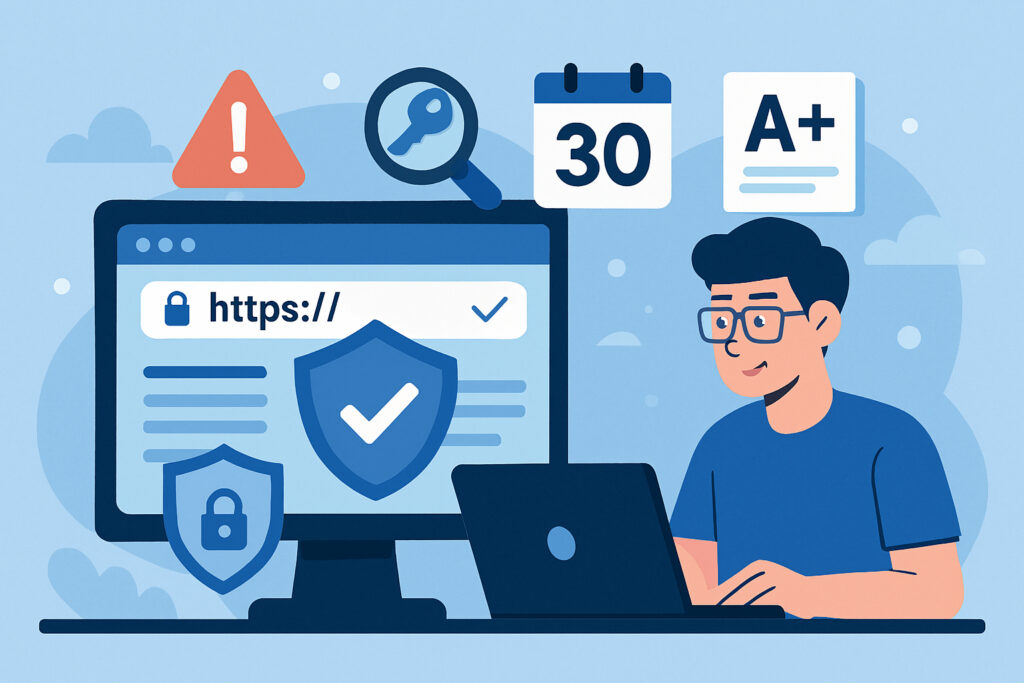
If you manage websites for clients, you already know that SSL certificates are one of those things that just have to work. When a certificate expires unexpectedly, the browser throws up a scary warning, visitors bounce immediately, and your phone starts ringing. The worst part is that it was entirely preventable.
The challenge grows quickly when you are responsible for ten, twenty, or fifty client sites. Tracking expiration dates, certificate chain issues, and security configurations across all of them manually is a recipe for missed deadlines and embarrassing incidents. This article walks you through a practical approach to monitoring SSL certificates so you can stay ahead of problems and keep your clients happy.
Why SSL Monitoring Matters More Than You Think
Many agencies and freelancers treat SSL as a set-and-forget task. Install the certificate, confirm the padlock, move on. That works fine until it does not.
Certificates expire. Hosting providers change configurations. Intermediate certificates go missing during server migrations. Any of these can take a site from perfectly secure to completely untrusted in seconds, and your client will only see lost traffic and lost trust. Beyond the user impact, search engines penalize sites with SSL problems. Google has made HTTPS a ranking signal, and a broken certificate can quietly drag a site down in search results.
The Problem with Manual Tracking
I used to track SSL expiration dates in a spreadsheet. In practice, I would forget to check it for weeks, and a certificate would creep dangerously close to expiring. Once, a client’s certificate actually lapsed over a weekend. By Monday, their contact form had been down for two days and they had missed several leads. That was the moment I decided manual tracking was not good enough.
Spreadsheets also cannot tell you about deeper issues. They will not flag a weak cipher suite, a missing intermediate certificate, or an HSTS configuration that quietly broke. You need something that actually inspects the certificate and surrounding security setup on a regular basis.
Step by Step: Setting Up Efficient SSL Monitoring
Step 1: Centralize all your domains. Gather every client domain into a single monitoring dashboard. Many people have domains scattered across different hosting accounts and registrars. Get them into one list first.
Step 2: Choose a tool that checks more than expiration dates. Basic expiration alerts are a starting point, but not enough. Look for a service that validates the full certificate chain, checks for security misconfigurations, monitors HSTS headers, verifies Certificate Transparency logs, and tests OCSP response status. A tool like SSLVigil covers all of these in one dashboard, saving you from stitching together multiple tools.
Step 3: Configure multi-stage expiration alerts. A single reminder seven days before expiration is cutting it too close. Set up alerts at 30, 14, 7, and 1 day before expiration. The 30-day alert gives you time to coordinate with the client or hosting provider. The later alerts act as safety nets.
Step 4: Review monthly security reports. Monthly security grading, where each domain receives a score from A+ to F, gives you a proactive overview of your entire portfolio. When a client asks how their security is doing, you can hand them a professional PDF report instead of a vague reassurance.
Step 5: Automate where possible, but verify. If your clients use Let’s Encrypt with auto-renewal, that handles the renewal itself. But auto-renewal can fail silently due to DNS changes or permission issues. Monitoring confirms the automated process actually worked.
Common Myths About SSL Certificates
Myth: Once you install an SSL certificate, you are done. Certificates expire, configurations drift, and new vulnerabilities emerge. Ongoing monitoring is not optional.
Myth: Free certificates are less secure than paid ones. The encryption is identical. A properly configured Let’s Encrypt certificate can score just as well as an expensive extended validation certificate.
Myth: SSL monitoring is only for large enterprises. Smaller teams benefit more from automated monitoring because they have less time to catch issues manually. A freelancer managing fifteen sites needs alerts just as much as a large agency.
What to Look for in a Monitoring Service
Prioritize these features: continuous 24/7 checks rather than once-a-day scans, multiple advance warning intervals, certificate chain validation, security scoring for an at-a-glance overview, and reporting you can share with clients.
SSLVigil was built for exactly this use case. It checks around the clock, sends alerts at multiple intervals, analyzes the full chain and security configuration, and delivers monthly PDF reports with clear A+ to F grading. It works for a single site or a large portfolio. During the beta period, the service is free to use, making it easy to try without commitment.
Frequently Asked Questions
How often should SSL certificates be checked? Daily checks are the minimum. Ideally, monitoring runs multiple times per day so you catch issues within hours.
Is monitoring necessary if I use auto-renewal? Yes. DNS changes, server moves, and permission errors can all cause renewals to fail silently.
Can I monitor certificates for sites I do not host? Yes. SSL monitoring checks the publicly available certificate from outside, so you do not need server access.
What is a good SSL security score? Aim for A or A+. Anything below B usually indicates a configuration problem that should be fixed.
Wrapping Up
Monitoring SSL certificates does not have to be complicated. Stop relying on memory and manual checks, centralize your domains in one tool, and set up alerts that give you enough lead time to act. A few minutes of setup now will save you hours of damage control later. Your clients trust you with their online presence, and efficient SSL monitoring is one of the simplest ways to honor that trust.