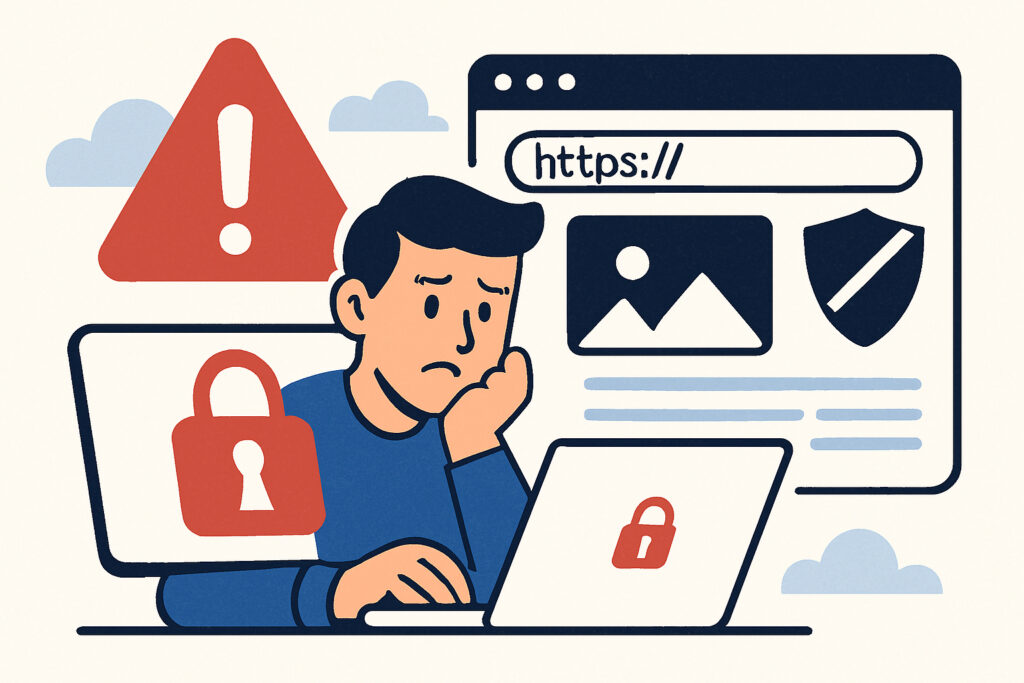
When visitors land on your website only to be greeted by a red warning screen stating “Your connection is not private” or “This site may be unsafe,” the damage is immediate and often irreversible. These browser security warnings don’t just scare away a few cautious users – they can devastate your traffic, tank your conversion rates, and destroy the trust you’ve spent years building with your audience.
The Immediate Impact on Visitor Behavior
Browser security warnings create an instant crisis of confidence. Studies show that between 70-90% of users will immediately abandon a website when confronted with an SSL certificate error or security warning. They don’t wait to read your content, they don’t browse your products, and they certainly don’t complete purchases or sign up for your services.
The psychology behind this is straightforward. Modern browsers like Chrome, Firefox, and Safari have trained users to treat these warnings as serious threats. When Google Chrome displays its bright red warning page with a large exclamation mark, it’s essentially telling your potential customer: “Stop. This website might steal your personal information.” That’s not a message any business wants associated with their brand.
Real-World Traffic Losses
I’ve monitored dozens of websites that experienced SSL certificate expirations or configuration issues, and the traffic patterns tell a brutal story. Within hours of a security warning appearing, organic traffic can drop by 50-70%. By the end of the first day, you’re often looking at 80-90% traffic loss.
One e-commerce client I worked with let their SSL certificate expire on a Friday evening. By Monday morning, their weekend sales were down 94% compared to the previous weekend. Even after we fixed the certificate issue within hours of discovering it on Monday, it took nearly two weeks for their traffic to recover to normal levels. The lost revenue during that period exceeded €15,000 for a relatively small online store.
Google’s Heavy Hand in Search Rankings
Beyond the immediate visitor abandonment, browser security warnings trigger a cascade of SEO consequences. Google has explicitly stated since 2014 that HTTPS is a ranking signal, and sites without proper SSL certificates face ranking penalties.
But the damage goes deeper. When users bounce from your site within seconds due to security warnings, Google interprets this as a quality signal. High bounce rates combined with security issues send a clear message to search algorithms: this website doesn’t deserve prominent placement in search results.
I’ve seen websites drop 20-30 positions in search rankings within weeks of experiencing persistent SSL issues. Recovery isn’t quick either – even after resolving the technical problems, it can take months to regain lost search visibility.
The Trust Factor You Can’t Recover
Here’s what makes security warnings particularly damaging: they create lasting reputation damage. A visitor who encounters a security warning on your site doesn’t just leave – they remember. They may share their experience with others, leave negative reviews, or permanently blacklist your domain in their mind.
For businesses operating in competitive markets, this trust erosion can be fatal. Why would a customer risk their credit card information or personal data on a website that triggered security warnings when your competitor’s site appears completely secure?
Mobile Traffic Takes the Biggest Hit
Mobile users are even less forgiving of security warnings than desktop users. On mobile devices, the warning screens are more prominent and harder to bypass. Mobile users are also typically in a hurry, browsing while commuting or during breaks. They don’t have patience for technical issues.
In my experience, mobile traffic drops faster and more severely than desktop traffic when security warnings appear. One travel booking website I monitored saw mobile traffic plummet by 95% within six hours of an SSL configuration error, while desktop traffic “only” dropped 75% during the same period.
The Financial Cost of Ignoring SSL Security
Let’s talk numbers. For an average business website receiving 10,000 monthly visitors with a 2% conversion rate and €50 average transaction value, an expired SSL certificate that goes unnoticed for just one week can cost approximately €2,300 in direct lost revenue. That doesn’t include the longer-term SEO damage and customer trust issues.
For larger e-commerce sites or SaaS businesses, these numbers multiply quickly. A site with 100,000 monthly visitors could lose tens of thousands in revenue from even a brief security warning incident.
Prevention is Your Only Real Strategy
The solution isn’t complicated, but it requires consistent attention. SSL certificates need monitoring, renewal tracking, and proper configuration. Waiting until your certificate expires to take action is like waiting until your car breaks down on the highway to schedule maintenance.
Automated monitoring systems can alert you 30, 14, 7, and 1 day before certificate expiration, giving you plenty of time to renew without any service interruption. They can also detect configuration issues, certificate chain problems, and security protocol weaknesses before they trigger browser warnings.
Common Questions About Security Warnings
Can I recover traffic after a security warning incident? Yes, but it takes time. Expect 2-4 weeks for traffic to normalize after resolving the issue, and potentially months for full SEO recovery.
Do all browsers show the same warnings? Major browsers (Chrome, Firefox, Safari, Edge) all display prominent security warnings, though the exact appearance differs. The effect on user behavior is similar across all platforms.
What if my certificate is valid but warnings still appear? This usually indicates configuration issues like incomplete certificate chains, mixed content problems, or outdated security protocols. These require technical investigation to resolve.
The bottom line is simple: browser security warnings are traffic killers. They don’t just affect a few visitors – they can cripple your entire online presence within hours. The cost of prevention through proper SSL monitoring is minimal compared to the devastating financial and reputational damage of even a single security warning incident.