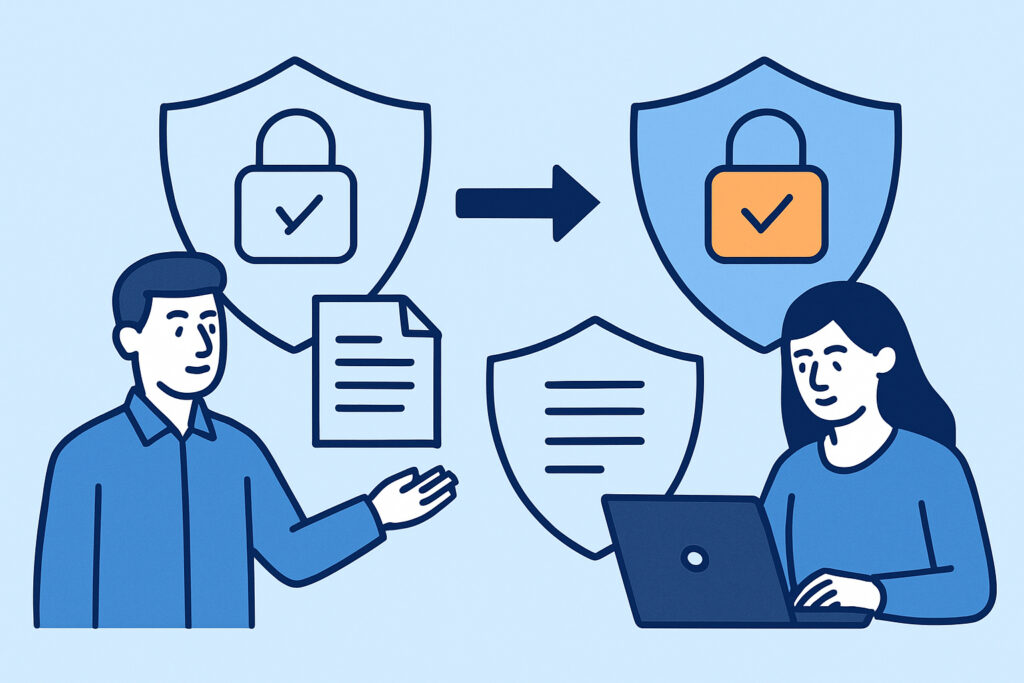
Many development teams and system administrators start with self-signed SSL certificates for testing environments or quick deployments, but eventually need to migrate to trusted SSL certificates for production use. Understanding how to properly transition from self-signed to trusted certificates ensures your website maintains security without causing downtime or browser warnings.
This migration process involves several critical steps including certificate generation, proper installation, and ongoing monitoring to prevent future issues. The transition affects not just the certificate itself, but also your server configuration, client trust relationships, and security posture.
Understanding the Key Differences
Self-signed certificates and trusted certificates serve different purposes in the SSL ecosystem. Self-signed certificates are created and signed by the same entity that uses them, making them essentially vouch for their own identity. While they provide encryption, browsers display security warnings because there’s no third-party verification.
Trusted certificates come from recognized Certificate Authorities (CAs) that browsers inherently trust. These certificates undergo validation processes that verify domain ownership and sometimes organization identity. The CA’s digital signature creates a chain of trust that browsers recognize automatically.
A common misconception is that self-signed certificates provide no security value. In reality, they offer the same encryption strength as trusted certificates – the difference lies in authentication and user experience. However, the browser warnings they generate can significantly impact user trust and conversions.
Pre-Migration Planning
Before starting the migration, document your current SSL configuration thoroughly. Note which services, applications, and clients currently connect to your server. Some internal systems might have been configured to explicitly trust your self-signed certificate, and these connections will break after migration.
Check for certificate pinning implementations in mobile apps or API clients. If any applications pin your self-signed certificate, they’ll need updates before or immediately after migration. This coordination often represents the most complex aspect of the transition.
Identify all domains and subdomains that need coverage. Your self-signed certificate might cover multiple domains, and you’ll need to ensure your new trusted certificate provides equivalent coverage. Consider whether a wildcard certificate or multi-domain certificate better fits your architecture.
Choosing Your Certificate Authority and Type
Select a Certificate Authority based on your specific requirements. For most websites, Domain Validated (DV) certificates provide adequate security and quick issuance. Organizations needing higher assurance levels might choose Organization Validated (OV) or Extended Validation (EV) certificates.
Let’s Encrypt offers free DV certificates with 90-day validity periods, making them excellent for automated environments. Commercial CAs typically offer longer validity periods and additional support options. Consider your renewal automation capabilities when choosing between free and paid options.
For multiple subdomains, wildcard certificates (*.example.com) provide broad coverage with a single certificate. Multi-domain certificates work better when you need to cover completely different domain names or when wildcard coverage is too broad for your security policies.
Step-by-Step Migration Process
Generate a new private key for your trusted certificate. Even though you could reuse your existing private key, creating a fresh key pair represents a security best practice and ensures a clean break from your self-signed setup.
Create a Certificate Signing Request (CSR) containing your domain information. Double-check the Common Name and Subject Alternative Name fields – errors here cause deployment delays. Submit this CSR to your chosen Certificate Authority and complete their validation process.
Once you receive your trusted certificate, verify it locally before installation. Check that all intended domains appear in the certificate and that the certificate chain is complete. Missing intermediate certificates cause browser warnings even with valid end-entity certificates.
Schedule the certificate replacement during a maintenance window if possible. Back up your current certificate configuration so you can quickly revert if issues arise. Install the new certificate and intermediate certificate chain, then restart your web server to load the new configuration.
Post-Migration Validation and Monitoring
Test your new certificate immediately after installation using multiple browsers and SSL testing tools. Verify that certificate warnings have disappeared and that the certificate chain validates correctly. Pay special attention to certificate chain issues that might not be immediately obvious.
Update any internal documentation, monitoring systems, or backup procedures that referenced your old certificate details. If you use certificate pinning, deploy updates to pin the new certificate or CA.
Implement continuous SSL monitoring to prevent future certificate issues. Unlike self-signed certificates that never expire (unless you configure them to), trusted certificates have definite expiration dates. Proper SSL monitoring ensures you receive advance warning before certificates expire.
Monitor for mixed content issues that might have been masked by the browser warnings from your self-signed certificate. These issues become more apparent once users stop seeing certificate warnings.
Common Migration Pitfalls
Many administrators forget to update load balancer configurations or reverse proxy settings when migrating certificates. If your architecture includes multiple SSL termination points, each one needs the new certificate.
Certificate chain completeness represents another frequent issue. Your trusted certificate likely requires intermediate certificates that weren’t necessary with self-signed certificates. Missing intermediates cause validation failures in some browsers and SSL testing tools.
Don’t overlook internal services and APIs that might be hardcoded to expect your self-signed certificate. These systems often fail silently after migration, causing functionality issues that only surface when specific features are used.
Time synchronization problems can cause certificate validation failures. Ensure your servers maintain accurate time, as SSL certificates include validity period checks that depend on correct system clocks.
Automation and Renewal Considerations
Plan your certificate renewal process before your first certificate expires. Trusted certificates typically have shorter validity periods than self-signed certificates – especially Let’s Encrypt certificates with 90-day terms.
Consider implementing automated renewal using tools like Certbot for Let’s Encrypt or commercial CA APIs for paid certificates. Manual certificate tracking becomes increasingly difficult as your infrastructure grows.
Test your renewal process in a staging environment that mirrors your production setup. Many renewal failures occur due to firewall rules, DNS configurations, or file permissions that work for initial issuance but fail during automated renewal.
Frequently Asked Questions
Can I migrate to a trusted certificate without changing my private key?
Yes, you can reuse your existing private key when generating the CSR for your trusted certificate. However, generating a new private key is considered a security best practice and ensures no remnants of your self-signed setup remain.
Will migrating to a trusted certificate break existing API clients?
Most API clients will work better with trusted certificates since they eliminate certificate warnings. However, clients with certificate pinning or those configured to ignore certificate errors might need updates to handle the new certificate properly.
How long does the migration process typically take?
The technical migration takes minutes once you have your trusted certificate. However, the complete process including CA validation, testing, and updating dependent systems usually requires 1-3 days for Domain Validated certificates and longer for higher assurance certificates.
Remember that migrating to trusted SSL certificates is just the first step in maintaining robust HTTPS security. Regular monitoring and proactive certificate management prevent the downtime and security issues that come with unexpected certificate problems.