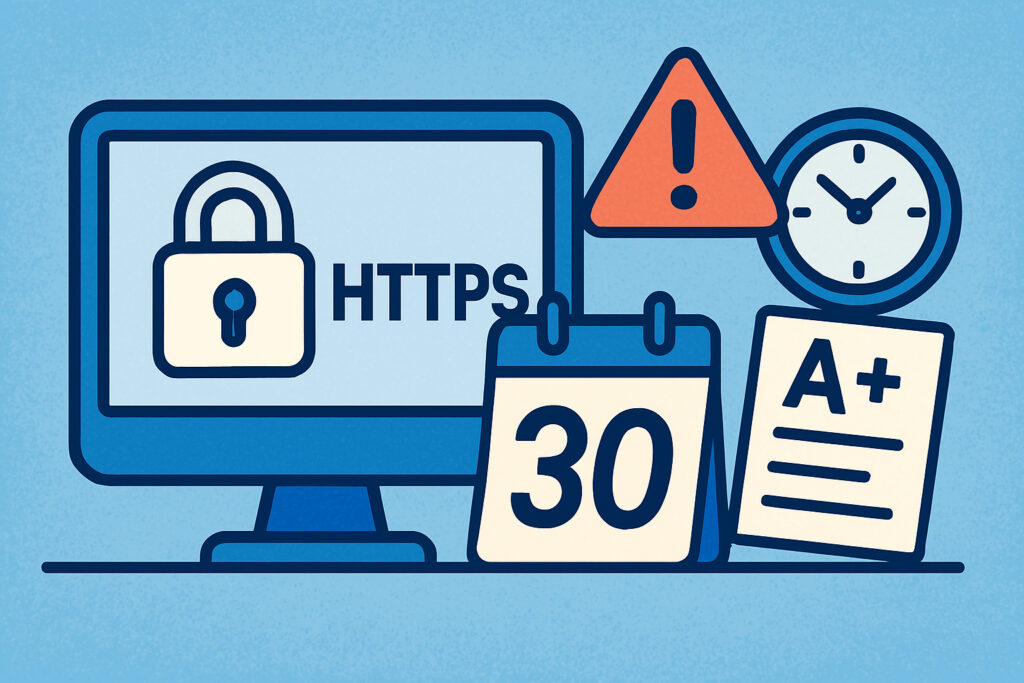
There’s nothing quite like the sinking feeling you get when a client calls to say their website is showing a security warning. I learned this the hard way a few years back when I was managing a handful of e-commerce sites. One of them had an SSL certificate expire on a Friday evening, and by Monday morning, we’d lost nearly three days of sales and countless customer trust. That experience taught me that waiting until the last minute to renew SSL certificates isn’t just risky—it’s potentially devastating for business.
The question isn’t whether you need SSL expiration alerts, but when you should receive them. Getting notified too early might mean the alert gets lost among your daily tasks. Too late, and you won’t have enough time to fix issues if something goes wrong during renewal.
The Industry Standard: 30 Days
Most SSL monitoring services, including certificate authorities themselves, send their first alert 30 days before expiration. This has become the de facto standard for good reason. A month gives you plenty of breathing room to handle the renewal process, even if complications arise.
In my experience, 30 days is when you should start paying attention. It’s far enough out that you’re not in panic mode, but close enough that the renewal should be on your radar. This is particularly important if you’re managing certificates for clients or if your renewal process requires approval from multiple stakeholders.
Why Multiple Alerts Matter More Than One
Here’s where many people get it wrong—they think one alert is enough. But life happens. Emails get buried, people go on vacation, and urgent matters take priority. This is why layered notification system is critical for SSL certificate management.
The sweet spot I’ve found through managing dozens of sites is a four-tier alert system: 30 days, 14 days, 7 days, and 24 hours before expiration. Each serves a different purpose.
The 30-day alert is your planning notice. Use this time to verify your renewal process, check that your payment method is up to date, and ensure you have the necessary access credentials. If you’re using automated renewal through Let’s Encrypt or similar services, this is when you should verify the automation is working correctly.
The 14-day alert is your action trigger. If you haven’t started the renewal process by this point, now’s the time. This gives you two full weeks to handle any unexpected issues, which is more common than you might think. I’ve seen renewal requests get stuck in spam filters, payment problems delay processing, and validation emails go to outdated addresses.
The Critical Week: Seven Days Out
When you hit the seven-day mark, you’re entering the danger zone. If your certificate isn’t renewed by now, you need to treat this as a priority task. I’ve made it a personal rule that no certificate should remain unrenewed once we’re within a week of expiration.
At this point, you should manually verify that the renewal process is progressing. Don’t just trust that everything is working—log in and check. Look at the new expiration date, verify the certificate is properly installed, and test it from multiple locations.
The 24-Hour Emergency Alert
If you’re getting a 24-hour alert, something has gone seriously wrong with your renewal process. This is your emergency notification. Drop what you’re doing and fix it immediately. I keep a emergency procedure document specifically for this scenario, which includes backup certificate authorities and expedited renewal options.
Some might argue that a 24-hour alert is too late, but I’ve found it invaluable as a final safety net. It’s caught certificates that somehow slipped through earlier notifications, usually due to email delivery issues or human error.
Common Mistakes People Make With SSL Alerts
The biggest mistake I see is relying solely on your certificate authority’s alerts. What happens if their notification system fails? Or if the email goes to an employee who no longer works for your company? This is why using an independent SSL monitoring service provides an extra layer of protection.
Another common error is setting alerts too close to expiration. I’ve seen businesses that only get notified three days before their SSL expires. That might work if everything goes perfectly, but SSL renewal isn’t always smooth. DNS propagation can take time, certificate authorities sometimes experience delays, and validation issues can require back-and-forth communication that eats up days.
Different Scenarios Require Different Timing
Not all certificates need the same alert schedule. For critical production environments handling customer data or financial transactions, I recommend adding even earlier alerts—perhaps 60 or 90 days out. This is especially important for wildcard certificates or those covering multiple subdomains.
For internal testing servers or development environments, you might be comfortable with just 14-day and 24-hour alerts. But be careful with this approach—I’ve seen development certificates expire and cause significant workflow disruptions when teams couldn’t access their testing environments.
What About Automated Renewal?
Even if you’re using automated renewal through Let’s Encrypt or similar services, you still need alerts. Automation fails. I’ve experienced cron jobs that stopped running, file permission issues that prevented certificate installation, and rate limiting that blocked renewal attempts.
Your alert system should verify that automation actually worked. Just because you have auto-renewal enabled doesn’t mean you can ignore SSL management entirely.
The Bottom Line
The ideal alert timing is 30 days, 14 days, 7 days, and 24 hours before expiration. This gives you multiple opportunities to act while providing adequate buffer time for problems. The 30-day notice lets you plan, the 14-day alert prompts action, the 7-day warning signals urgency, and the 24-hour alert serves as your absolute last chance.
Remember, SSL certificate expiration isn’t just a technical inconvenience—it directly impacts your business reputation, search engine rankings, and customer trust. Set your alerts early enough to handle complications, but frequent enough that they won’t be ignored or forgotten. Your future self will thank you when renewals happen smoothly and your sites stay secure without interruption.