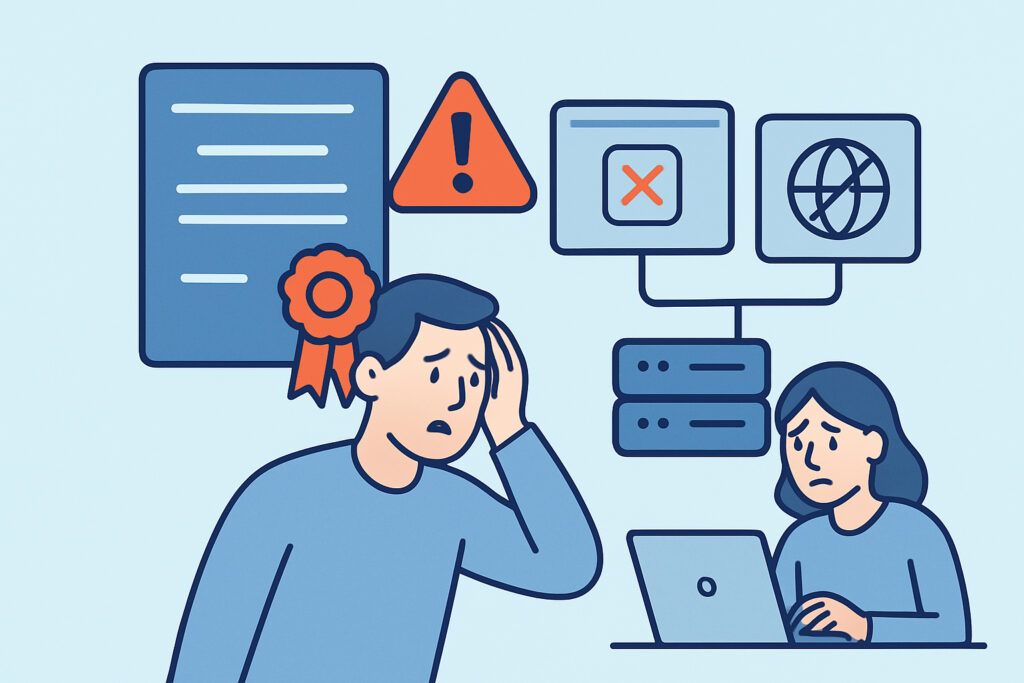
Why root certificate expiration causes widespread outages is a topic that catches many infrastructure teams off guard. Unlike leaf certificate issues that affect a single domain, a root certificate expiry can silently break trust chains across thousands of systems simultaneously – and the failure often looks nothing like a typical SSL error.
Most engineers focus on renewing domain certificates and assume the underlying trust infrastructure is someone else’s problem. That assumption leads to major incidents.
What a Root Certificate Actually Does
Every TLS connection relies on a chain of trust: your domain certificate is signed by an intermediate CA, which in turn is signed by a root certificate. Operating systems and browsers ship with a pre-installed set of trusted root certificates – sometimes called the root store.
When a root certificate expires, every certificate that chains up to it becomes untrusted – instantly, across every client that has that root in its store. It doesn’t matter how recently you renewed your leaf certificate. If the root it depends on has expired, the chain is broken.
The practical scope is enormous. One expired root can invalidate millions of valid domain certificates at once.
The Difference Between Root and Intermediate Expiration
A common misconception is that root and intermediate certificate expiration behave the same way. They don’t.
Intermediate certificates are served dynamically by the web server during the TLS handshake. If an intermediate expires, you update it on your server and push the new chain – problem solved within minutes. Root certificates live in client trust stores. You cannot push an update to every device connecting to your site. Some devices – particularly older Android versions, embedded IoT hardware, or industrial control systems – may never receive an update at all.
This is what makes root expiration categorically more dangerous than any other certificate issue in the chain.
The AddTrust Root Expiration – A Real Example
In May 2020, the AddTrust External CA Root expired after 20 years. Sectigo (formerly Comodo) had long since transitioned to newer roots, and modern browsers handled the transition without incident. But the fallout was significant.
Streaming services, payment APIs, and enterprise VPN systems started throwing certificate errors – not because their leaf certificates were invalid, but because certain clients were validating the chain all the way to AddTrust and not accepting the alternative trust path through the newer root. Cloudflare, Stripe, and others reported disruptions that day.
The incident illustrated a core lesson: expiration events at the root level propagate across the internet in unpredictable ways, and the clients that fail are often the ones nobody is watching – backend services, embedded devices, and legacy mobile apps.
Why Certificate Chain Monitoring Matters More Than You Think
Monitoring just your domain certificate’s expiry date is not enough. You need visibility into the full certificate chain health – including which root and intermediate authorities are in play, and when they expire.
This is especially important if you use a CDN or a third-party TLS termination layer. Your certificate might look fine from your end, but the chain presented to clients could differ depending on the edge node or configuration.
Proactive chain validation should include:
1. Checking which root your certificate chains to – not just the issuer, but all the way up.
2. Verifying the root’s expiry date – this is often overlooked entirely in standard renewal workflows.
3. Cross-signing awareness – some CAs issue cross-signed certificates that can chain to multiple roots. If one root expires, you need to know whether the alternative path is available and correctly configured.
4. Tracking client compatibility – older clients may not support the newer root. Know your audience.
How Root Expiration Breaks Things Silently
One of the more frustrating aspects of root expiration incidents is that they often produce misleading error messages. End users see “Your connection is not private” or a generic certificate error. Backend systems may log a generic TLS handshake failure. Nothing in the error message says “root certificate expired.”
This is why teams end up spending hours investigating the wrong layer. They check the domain certificate first – it’s valid. They check the intermediate – also fine. Only by walking the full chain do they find the problem.
For API integrations and microservices, the failure can be even harder to detect. A service calling an external payment provider or webhook endpoint may start throwing 5xx errors with no obvious SSL context. Understanding SSL certificate best practices for API endpoints helps prevent these blind spots from turning into production incidents.
What You Can Do Proactively
The challenge with root certificates is that you don’t control them – your CA does. But there are concrete steps to reduce your exposure.
Stay informed about CA communications. Certificate authorities publish their root expiry timelines well in advance. If your CA sends deprecation notices, read them. This sounds obvious, but many teams filter these emails into automated folders and miss the signal.
Test against older client stacks. If you have mobile apps, IoT integrations, or customers on legacy devices, test TLS connections specifically on those platforms before a known root expiry date.
Automate certificate chain validation. Manual spot-checks are not sufficient when you manage more than a handful of domains. Automated SSL certificate monitoring gives you continuous visibility into chain status without relying on someone remembering to check.
Watch for CA root store changes. Browser and OS vendors regularly update their root stores. A root that was trusted six months ago may be distrusted or removed in an upcoming update – this can happen independently of expiry.
Frequently Asked Questions
Does renewing my domain certificate protect me from root expiration?
No. Domain certificate renewal only replaces the leaf certificate. If the root your chain depends on is expiring or being distrusted, renewing the leaf certificate has no effect. You need to ensure your certificate chains to a root that is both valid and trusted across your target client base.
How do I find out which root certificate my site currently chains to?
You can check this using OpenSSL from the command line: run openssl s_client -connect yourdomain.com:443 -showcerts and look at the full chain output. The final certificate in the chain is the root. You can also use browser developer tools – click the padlock icon and inspect the certificate path from root to leaf.
How far in advance do root certificates typically expire?
Most root certificates are issued with validity periods of 20–25 years. This long lifespan is actually part of the problem – it creates a false sense of permanence. Intermediate certificates typically expire in 5–10 years, and leaf certificates now max out at around 398 days. The gap in expiry timelines means root expiration receives far less routine attention.
Final Thoughts on Root Certificate Risk
Root certificate expiration is a low-frequency, high-impact event. Most engineers will never deal with one directly – but the ones who are unprepared when it happens lose hours to debugging a problem that was entirely foreseeable.
The lesson from incidents like the AddTrust expiry is clear: certificate monitoring needs to cover the entire trust chain, not just the top-level domain certificate. Know what roots your infrastructure depends on, know when they expire, and test your client compatibility well before the deadline. The domain certificate renewal workflow is the beginning of SSL hygiene – not the end of it.